Guides ›
How to make a concert program
You need four things: the running order, correct titles and names, a layout that fits your paper, and a way to print it. Here is the order that saves the most retyping.
1. Get the running order final first
Collect the pieces in a spreadsheet: performer, piece, composer, and (for planning) minutes. Add up the minutes; most audiences are happy with 60 to 75 minutes of music, with an intermission if it's longer. Fix the order before you design anything.
2. Check titles and names
- Use the title as printed in the music, then tidy it: "Minuet in G major, BWV Anh. 114".
- The composer's full name and years: Johann Sebastian Bach (1685–1750). Living composers: "b. 1970".
- Check the spelling of every performer's name with them or their family. This is the mistake people remember.
3. Choose the format
- Single sheet (letter or A4): short recitals, up to about 12 items. Can be printed front and back.
- Folded booklet (half-size pages): more room, a proper cover, notes and thanks. Pages come in fours: 4, 8, 12 or 16.
- Phone version and QR sign: no paper; families scan a code at the door.
4. Lay it out
Cover: presenter, title, subtitle, date and time, place. Inside: sections with headings (Program, Intermission, second half), then notes and thanks. Keep each piece and its performer together on one page.
5. Print a test copy
For a booklet, print one copy two-sided with flip on short edge, fold it, and check that page 2 faces page 3. Then print the rest. Full printing help.
6. Plan for last-minute changes
Someone will drop out or swap pieces. Keep the program editable until two days before, print a few extra copies, and keep a pen at the door for a late correction. In Program Fold you edit the list and download again; the booklet order is redone for you.
Examples you can open
Made with Program Fold from made-up programs. Each one is a real PDF: open it, print it, or copy the layout.

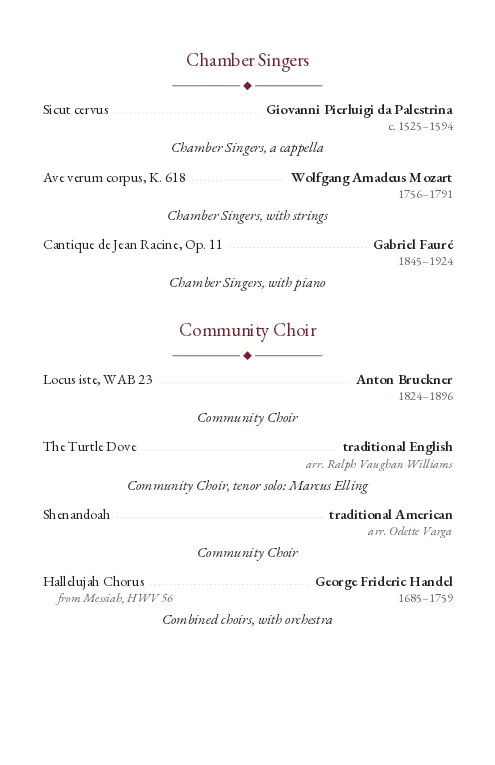
Open the PDF (pages in reading order) · booklet to print · single sheet
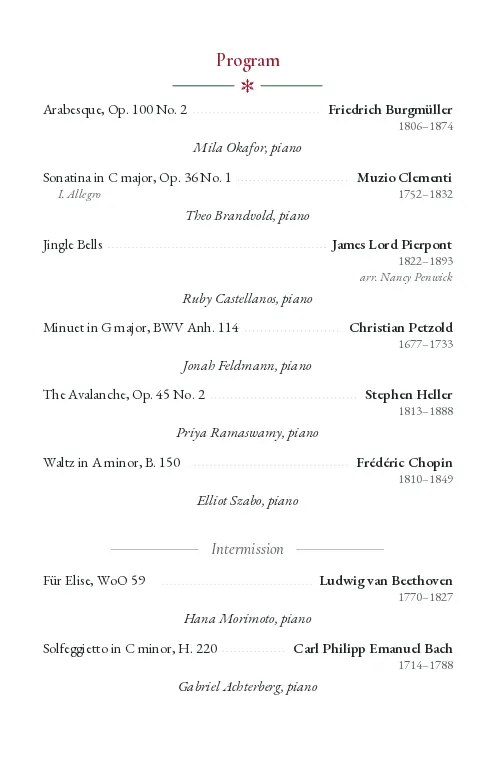
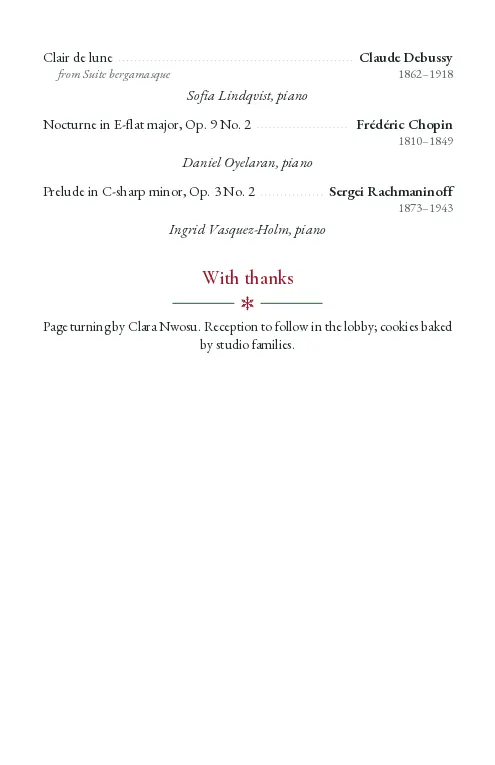
Open the PDF (pages in reading order) · booklet to print · single sheet